A Vendor Emailed New Bank Details Before Year-End. How Do We Check Before We Pay?
A vendor email with new bank details can be a scam, even from a real address. Call a number you already have before you change where you pay.
2026-11-19 · Chris Coulson
It's the end of the year. Invoices are piling up, half the office is out for the holidays, and an email lands from a vendor you've paid for years: "We've changed banks. Please send all future payments to the account below." The logo is right. The signature is right. It might even come from the vendor's real email address.
This is one of the most common ways small businesses lose money, and it doesn't need a virus or a hacked computer on your end. It just needs one person to update a bank number because an email asked them to.
Here's how it works and the simple rule that stops it.
What is a vendor bank-change scam?
A criminal pretends to be a vendor you already pay and asks you to send payments to a new account. Sometimes they use a lookalike email address that's one letter off. Sometimes they've broken into the vendor's real mailbox, so the message comes from the real address, inside a real email thread, often replying to a real invoice. The FBI calls this business email compromise (BEC). It's been reported in all 50 states, and it hits small local businesses as well as big companies.
Why does it spike at year-end?
Year-end is when payments are bigger, staff are stretched, and the person who normally double-checks is on vacation. Scammers know that. Pennsylvania banks and business journals have been warning businesses about this exact pattern this fall.
The red flags
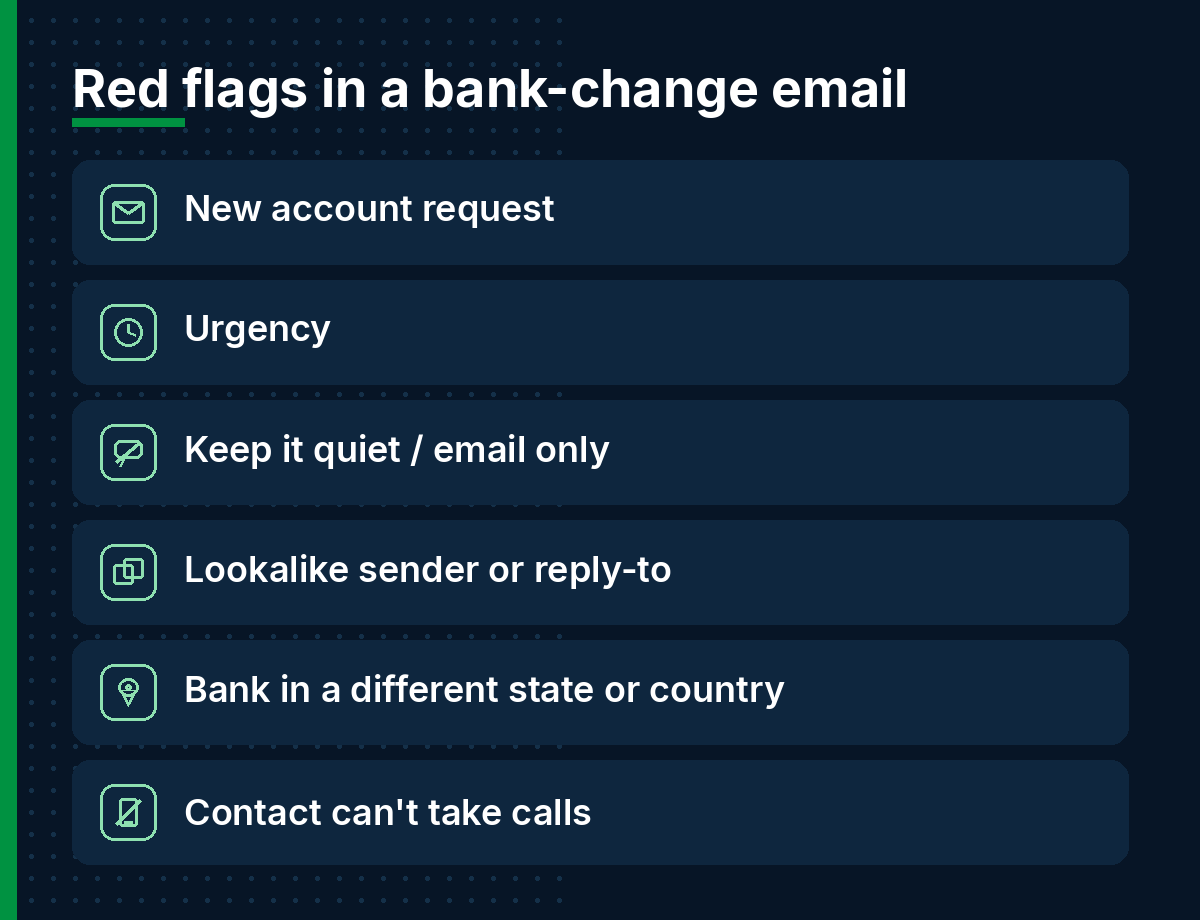
- Any request to change where you send money, by email, text or a PDF "on letterhead."
- Urgency: "Please update before Friday's payment run" or "our old account is frozen."
- A request to keep it quiet or to only reply by email.
- A sender address that's slightly off (for example "acme-supp1y.com"), or a reply-to address that's different from the sender.
- New bank details in a different state or country than the vendor.
- The vendor's contact suddenly "can't take calls right now."
A message can pass every one of those checks and still be fake, because the vendor's own mailbox may be compromised. That's why the rule below matters more than spotting typos.
The rule: never change bank details because of an email
Write this down and give it to whoever pays bills:
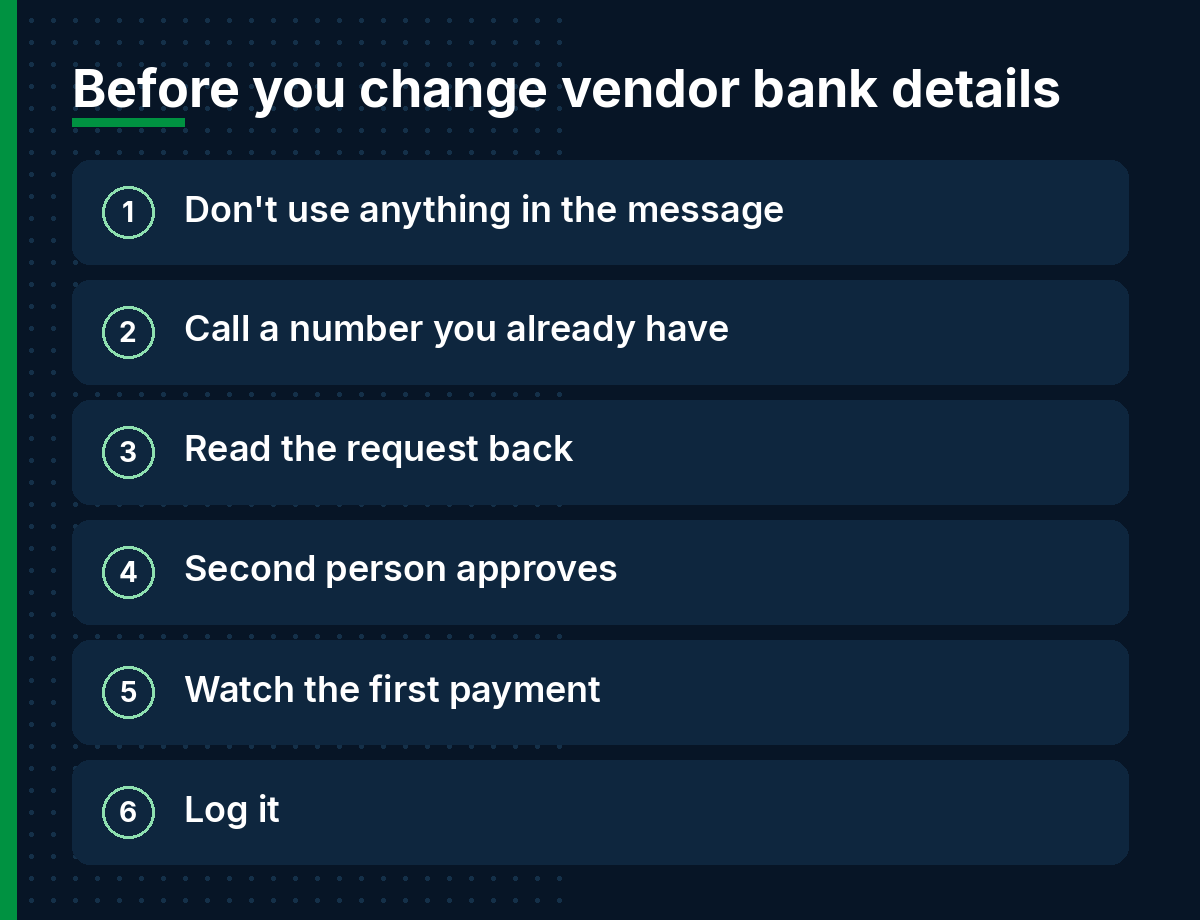
- Don't use anything in the message. Not the phone number, not the link, not the "updated W-9."
- Call the vendor at a number you already have from your records, an old invoice, or their website. Ask for someone you know.
- Read the request back to them and confirm they actually changed banks.
- Get a second person to approve any change to vendor bank details, and any payment over a set amount. Two people, every time.
- Watch the first payment. After a real change, send a small payment first if the vendor agrees, or confirm with them that the first payment arrived.
- Log it. Note who called whom, when, and on what number.
If the person who normally handles this is out over the holidays, the change waits until they're back. A real vendor will understand a short delay. A scammer will push.
What can IT do to help?
The phone call is the real protection, but a few technical settings make these attacks harder:
- Multi-factor authentication on every mailbox, especially accounting and owners. Most BEC starts with a stolen password.
- Email authentication (SPF, DKIM and DMARC) on your own domain so criminals have a harder time sending email that looks like it came from you.
- "External sender" tags in Outlook so staff can see when a message came from outside the company.
- Alerts for new inbox rules and forwarding. Attackers who get into a mailbox often set a rule to hide replies from the real vendor.
- Bank-side controls like dual approval and payment alerts in your business online banking. Ask your bank what they offer.
What if we already paid?
Move fast. Hours matter.
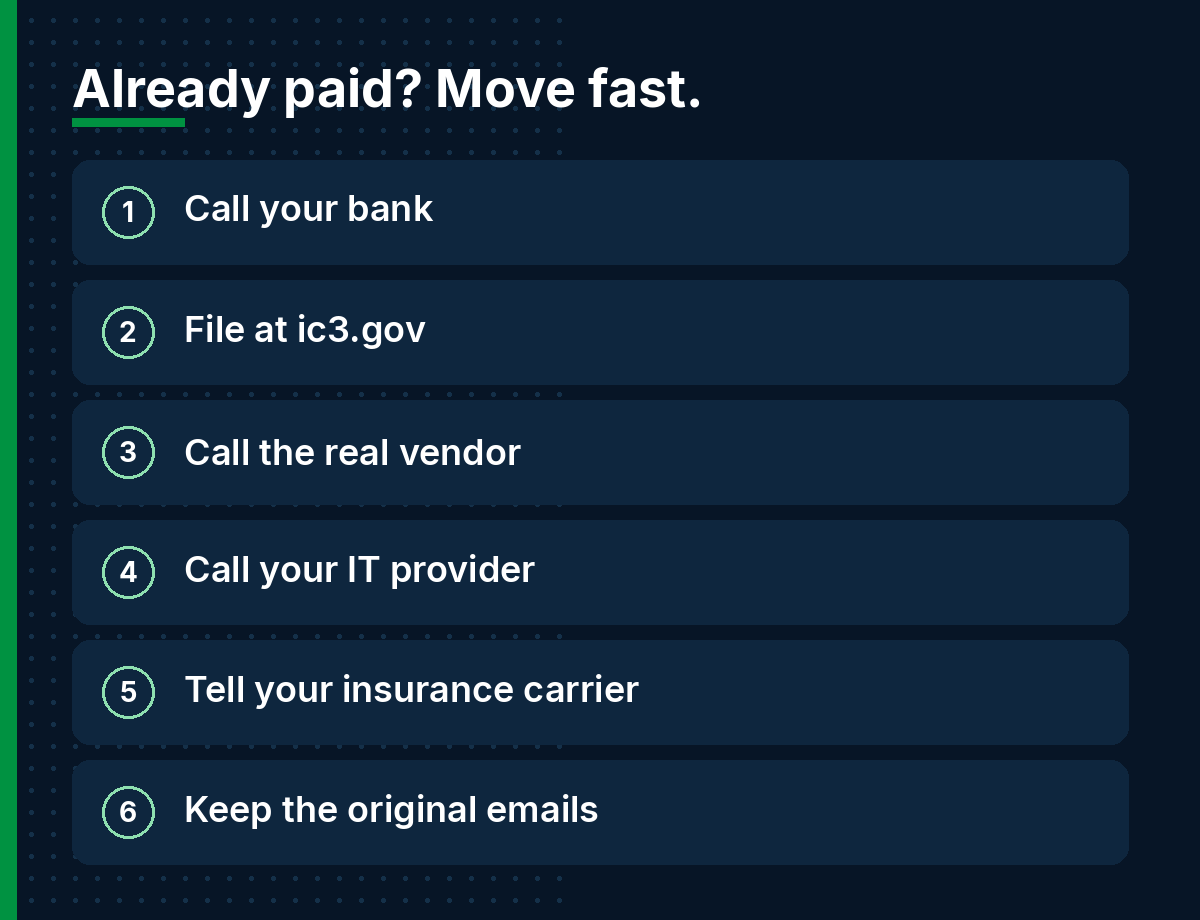
- Call your bank right away using the number on your statement or the back of your card, and ask them to recall the payment.
- File a complaint at ic3.gov as soon as possible, no matter the amount. The FBI says IC3 may be able to help banks and law enforcement freeze funds.
- Call the real vendor at a known number so they can check whether their email was hacked.
- Call your IT provider to check your own mailboxes for unknown sign-ins, forwarding rules or hidden folders.
- Tell your insurance carrier if you have cyber or crime coverage. Many policies have reporting deadlines.
- Keep the original emails. Don't delete them.
Questions owners ask
A vendor emailed new bank details. Is it a scam?
Treat every bank-change email as unverified until you call the vendor at a number you already had. Even emails from the vendor's real address can be fake if their mailbox was hacked.
How do I verify a vendor's payment change request?
Call a known contact at a number from your own records, not from the email. Confirm the change out loud, have a second person approve it, and log the call.
Can we get the money back if we already paid?
Sometimes, if you move quickly. Call your bank to request a recall and file at ic3.gov right away. The longer you wait, the harder recovery gets.
Is this a computer problem or a people problem?
Both. A phone-call rule and two-person approval stop most of it. MFA, email authentication and mailbox alerts make it harder for criminals to get in or impersonate you.
Does this only happen to big companies?
No. The FBI says BEC targets small local businesses as well as large corporations.
Need a second set of eyes?
If you're a York, Lancaster or Harrisburg business and you want us to check your Microsoft 365 email security and help set up a simple payment-change policy for your team, reach out. And if a bank-change email shows up and something feels off, call before you pay. We'd rather get that call than the one after.
Related: Is that billing email or shared-folder notice real? · Holiday gift-card scams
Sources: