Your IT Support Team Just Messaged You on Microsoft Teams. But Is It Really Them?
Cybercriminals are impersonating IT support on Microsoft Teams, using a flood of unwanted emails to trick employees into granting remote access to their computers. Learn how this clever scam works, the warning signs to watch for and the simple steps your business can take to stay protected.
2026-11-09 · Coulson Technologies
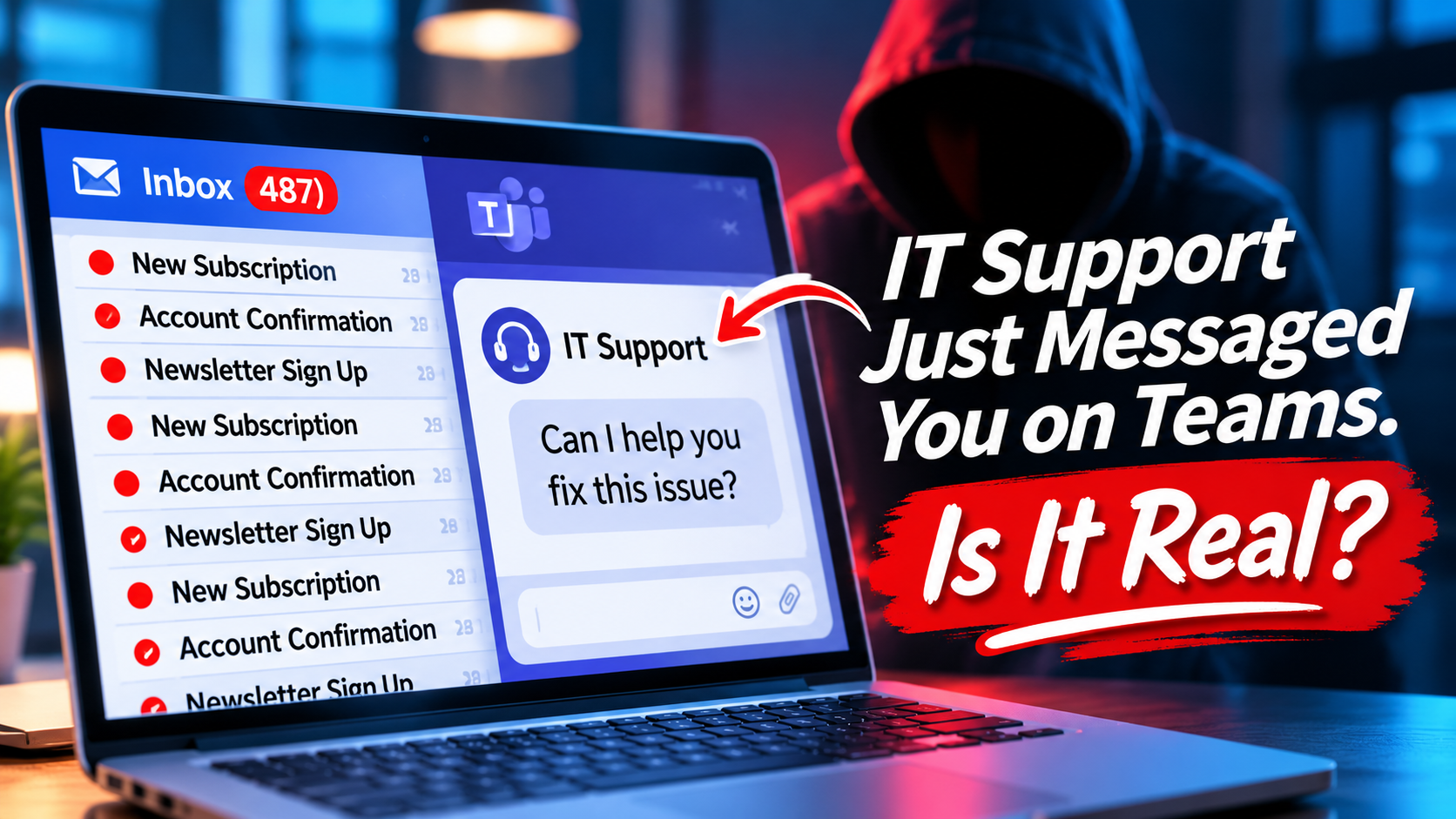
Imagine you're sitting at your desk, trying to get some work done.
Suddenly, your inbox starts filling up with emails. Dozens of them. Maybe hundreds.
They're subscription confirmations, newsletters and account notifications you never signed up for.
You're confused, frustrated and wondering what in the world is happening.
Then, almost like magic, someone from "IT Support" contacts you through Microsoft Teams.
They've noticed the problem and want to help.
Sounds like perfect timing, right?
Unfortunately, that helpful IT person might actually be a cybercriminal.
And this isn't just a hypothetical situation. Security researchers are warning businesses about attacks that use this exact approach.
The Scam Starts With a Flood of Emails
Here's how it works.
Cybercriminals sign an employee's email address up for large numbers of mailing lists and online services.
The result is an overwhelming flood of messages.
This technique is sometimes called email bombing.
The goal isn't necessarily to steal information through those emails.
It's to create confusion and make the employee desperate for someone to fix the problem.
That's when the second part of the scam begins.
Suddenly, "IT Support" Comes to the Rescue
While the employee is dealing with the email chaos, someone contacts them through Microsoft Teams.
The person might use a name like "IT Support," "Help Desk" or "Internal Technical Support."
They may even call through Teams.
They sound professional. They understand the problem. And they offer a quick solution.
All the employee needs to do is open a Windows application called Quick Assist.
Here's where things get dangerous.
Quick Assist is a legitimate Microsoft tool that allows someone to remotely help troubleshoot a computer.
It's useful when you're working with a trusted IT professional.
But when you give that access to a criminal, you're potentially giving them a way into your computer and your business network.
The scammer creates the problem, then pretends to be the person who can solve it.
Pretty clever. And potentially very costly.
Why Microsoft Teams Makes This Scam So Convincing
Most employees have learned to be suspicious of unexpected emails.
But a message inside Microsoft Teams?
That can feel different.
Teams is where coworkers communicate, meetings happen and legitimate business conversations take place.
Employees may naturally assume someone contacting them there is connected to their organization.
However, depending on how your company's Teams environment is configured, people from outside your organization may be able to initiate conversations with employees.
That creates an opportunity for criminals to impersonate trusted support personnel.
And because the message arrives through a familiar business application, employees may be less likely to question it.
This Is Happening to Real Businesses
In October 2026, cybersecurity researchers at Arctic Wolf Labs reported observing more than 400 incidents involving attackers abusing Microsoft Teams external messaging to gain initial access.
The attackers used social engineering, including impersonating IT support personnel, to convince employees to cooperate.
In some cases, these attacks can lead to malware infections, stolen information or ransomware.
The important lesson is that cybercriminals don't always need to break through your security systems. Sometimes they simply convince someone to open the door.
And that brings us to the most important question.
How Can You Tell Whether IT Support Is Real?
The good news is that a few simple precautions can make a big difference.
1. Be Suspicious of Unexpected IT Support Messages
If someone contacts you out of the blue claiming to be from IT, don't automatically assume they're legitimate.
Even if they know your name, company or the problem you're experiencing.
2. Look for External Contacts
Microsoft Teams may identify people who are communicating from outside your organization.
Pay attention to those labels.
An external contact claiming to be your company's internal IT support team should immediately raise questions.
Keep in mind that an internal-looking name or profile picture isn't proof of someone's identity.
3. Never Grant Remote Access Without Verification
If someone asks you to open Quick Assist or another remote-support tool, verify their identity first.
Contact your IT provider using a phone number or support process you already know and trust.
Don't rely on contact information supplied by the person messaging you.
4. Don't Let Urgency Override Common Sense
Scammers want you to act quickly.
They may tell you your computer is infected, your account is compromised or your company is at immediate risk.
Take a moment to verify the situation before following instructions.
A legitimate support provider should understand why you're being cautious.
5. Report Suspicious Activity Immediately
If something doesn't seem right, tell your IT team.
And if you've already allowed someone access to your computer, report it immediately—even if you're embarrassed or unsure whether anything happened.
The sooner your IT provider knows, the sooner they can investigate and limit potential damage.
What Should Business Owners Be Doing?
This isn't just an employee-awareness issue.
It's also an opportunity to review how your company's technology is configured.
Business owners should work with their IT provider to:
Review Microsoft Teams external communication settings.
Establish clear rules for how IT support contacts employees.
Make sure employees know how to verify support requests.
Review remote-access tools and permissions.
Train employees to recognize social engineering tactics.
Have a response plan if someone accidentally grants unauthorized access.
One of the simplest protections is establishing a company-wide rule:
No employee should grant remote access to anyone claiming to be IT support without first verifying the request through an approved company channel.
That one policy could prevent a very expensive mistake.
The Bigger Lesson: Trust Needs to Be Verified
Here's something I remind businesses all the time.
Technology can provide excellent security, but people are still an important part of the equation.
You can have firewalls, antivirus software, email filtering and sophisticated cybersecurity tools.
But if a criminal convinces an employee to give them access, those protections may not be enough.
That's why cybersecurity isn't just about installing software.
It's about creating good habits, establishing clear procedures and making sure employees know what to do when something unexpected happens.
And as criminals become more creative, those habits become even more important.
How Coulson Technologies Can Help
At Coulson Technologies, we know how important it is for businesses to trust the people managing their technology.
We help companies protect their systems, recognize emerging threats and put practical cybersecurity safeguards in place.
That includes reviewing Microsoft 365 security settings, helping employees recognize suspicious activity and making sure businesses have a clear process for getting legitimate IT support.
Our goal is simple: help you stay protected without making technology more complicated than it needs to be.
Because the last person you want helping with your computer problem is the person who created it!
If you're concerned about your company's Microsoft Teams security or want to make sure employees know how to recognize fake IT support requests, contact Coulson Technologies.
We're here to help.